INSTRUCCIONES EN ESPAÑOL PARA LA INTERPRETACIÓN A ESPAÑOL
1.) Baja la aplicación de “WAVE CAST” desde la tienda de aplicaciones de “apple” de “Google Play”.
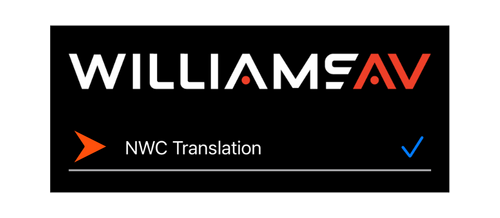
2.) Conéctate a la red de Wifi con el nombre de: “ NWC Translation”.
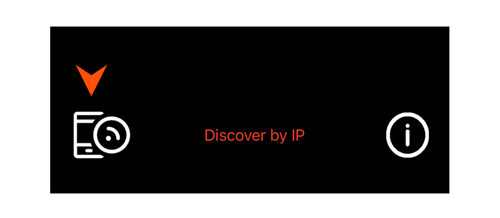
3.) Abre la aplicación de “Wave CAST” y verás la opción que dice: “NWC Translation” y haz clic en esa selección. (Tal vez tengas que también darle clic en el dibujo del teléfono en la esquina inferior izquierda para que aparezca la red de la traducción “NWC Translation.”)
4.) Conecta tus audífonos inalámbricos por medio del “bluetooth” o el cable de tus audífonos a tu teléfono, ajusta el volumen a un nivel cómodo para ti y ¡disfruta la experiencia!
Si necesitas ayuda busca a un miembro del equipo de hospitalidad en playera azul y ellos te pueden ayudar o ve directamente al vestíbulo al centro de visitantes “NEW HERE”"
Baja la aplicación de “WAVE CAST”